
Last updated December 3, 2025
The best security cameras for businesses are the ones that do more than record video—they provide built-in analytics that help you improve operations.
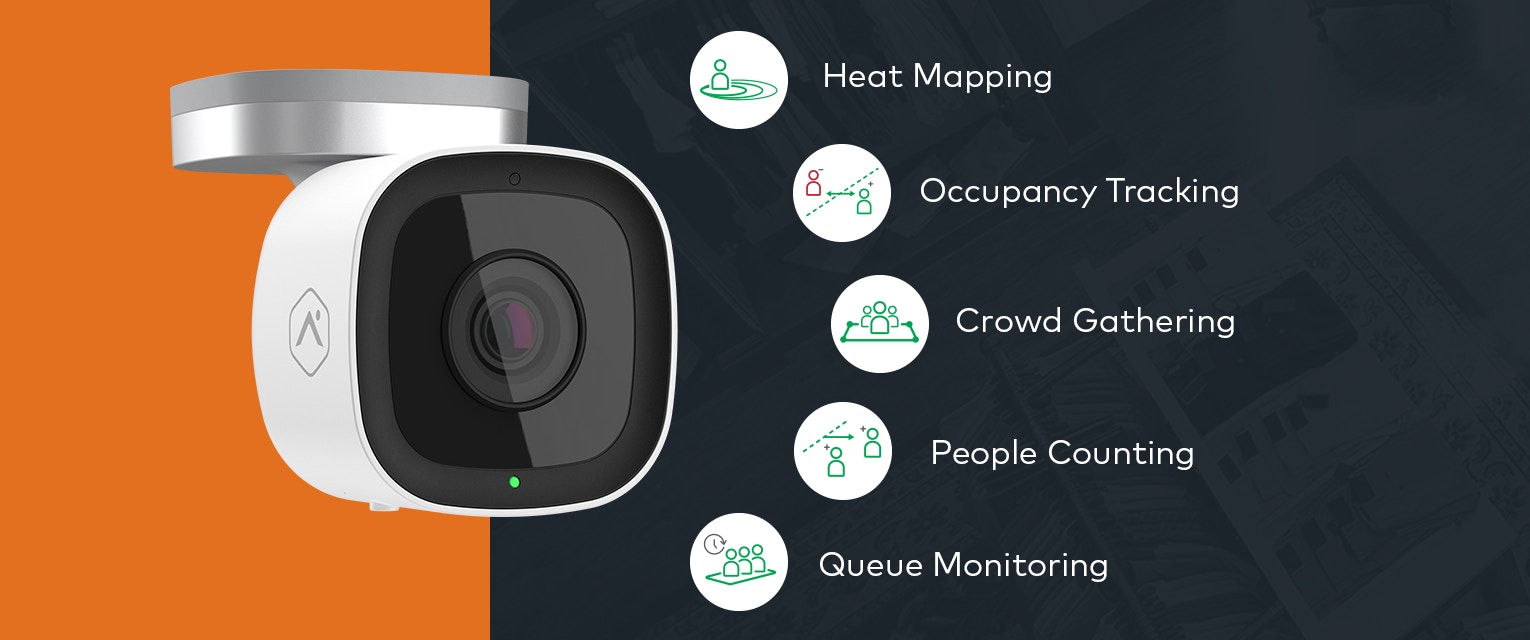
Alarm.com business cameras are equipped with features like people counting, heat mapping, queue monitoring, crowd gathering, and occupancy tracking to help you run your business more efficiently, safely, and profitably.
Here’s how each one works and why it matters.
Contact your Alarm.com sales representative to learn more about Business Activity Analytics.
Track real-time occupancy
Most businesses have a general feel for when things get busy—but not an exact count. Without real numbers, it’s harder to plan staffing, manage customer flow, or keep an eye on capacity during peak times.
With occupancy tracking, you get a running headcount based on how many people enter and exit through your front door. A virtual tripwire does the counting for you, making it easier to spot when things are getting crowded or when the rush has passed. Over days and weeks, that data turns into trends you can actually use—busy hours, slow stretches, and unexpected patterns.
Where it helps:
- Spot your busiest hours to schedule smarter
- Stay within occupancy or public-health limits
- Understand traffic patterns across days, weeks, or seasons
Measure movement through key areas
Sometimes it’s not about how many people are in the building—it’s about where they go. When your cameras are equipped with People Counting, you can place a simple virtual tripwire anywhere in your space and tally how many customers cross that line in a single direction.
Over time, those counts reveal real patterns: which areas draw attention, which don’t, and how movement shifts throughout the day.
Daily, weekly, or monthly reports help you spot trends without digging through footage or guessing based on gut feel.
Where it helps:
- Measure traffic across different areas of your store. Deploy multiple cameras to understand how many people enter specific zones, aisles, or departments throughout the day.
- Gauge product and merchandising demand. Track how often customers visit a particular display, shelf, or product section to identify interest levels, improve placement, and optimize inventory decisions.
Visualize where customers spend time
Some areas of a business naturally draw more attention than others—but it’s not always obvious which ones. Heat Mapping gives you a visual way to see where people spend the most time. By defining a zone on the floor, you can look back at a single moment or a full time-lapse to understand how customers actually move through your space.
Those heat maps make it easier to spot high-interest areas, overlooked corners, and the subtle patterns that are hard to catch in real time.
Where it helps:
- Identifying the spots that attract the most foot traffic
- Testing product placement by moving items into high-traffic zones
- Improving floor layout to guide people through under-visited areas
Monitor when areas get too full
Some areas naturally draw groups—checkout lanes, service counters, narrow walkways—sometimes more than you expect. Crowd Gathering helps you keep an eye on those spots by showing how many people are inside a defined zone at any moment.
If a space starts to get too packed, you can get an alert right away and address it before it affects the customer experience.
You can also look back at daily, weekly, or monthly trends to see when crowding tends to happen and adjust layouts or staffing as needed.
Where it helps:
- Spotting bottlenecks that slow customers down
- Noticing when a service area consistently gets too crowded
- Managing capacity requirements during peak periods or special events
Keep an eye on customer wait times
Long lines are one of the fastest ways to lose customers—especially when you don’t notice them forming right away. Nearly 40% of shoppers who avoid a business due to lines go straight to a competitor or abandon the purchase entirely.
Queue Monitoring helps you keep an eye on wait times by tracking how many people are standing in a defined area and how long they’ve been there. If a line starts to stretch or the average wait time climbs past your comfort zone, you can get a quick alert and respond before frustration builds.
You can also review daily or weekly reports to see when lines tend to grow, making it easier to staff and schedule around peak periods.
Where it helps:
- Knowing when to open another register before customers get impatient
- Spotting recurring rush times tied to promotions, lunches, or events
- Fine-tuning staffing to keep wait times consistently low
Serious businesses need serious security
At the end of the day, security camera analytics are only as useful as the platform behind them. Alarm.com unifies intrusion, access, video, automation, and energy management across every location. Backed by professional installation and 24/7 monitoring, businesses gain a smarter, more secure way to operate day to day. To get started, click the link below to connect with a local pro.
Sources:
Let's get started
Alarm.com technology is sold, installed and serviced by licensed service providers near you.